


Description
Download Birthday Cards Maker – Personalized Greeting Cards, Printable Invitations, Creative Design Tool
Overview
The Birthday Cards Maker is a mobile application designed to simplify the process of creating personalized birthday cards for users across all skill levels. Its primary purpose is to enable individuals to craft thoughtful, visually appealing greeting cards with minimal effort, whether for close friends, family members, or colleagues. The app addresses the common challenge of finding the right words and design to express birthday wishes, offering a streamlined solution that combines ease of use with creative flexibility. Target users include casual card-makers, event planners, and anyone seeking a quick yet meaningful way to celebrate birthdays digitally or in print.
While the developer did not provide additional background information, the app’s focus on simplicity and accessibility suggests a user-centered design philosophy. Real-world use cases include generating birthday invitations for parties, crafting digital greetings for remote celebrations, and producing print-ready cards for physical delivery. In the broader app ecosystem, Birthday Cards Maker fills a niche for lightweight, functional tools that prioritize usability over complexity. It serves as a practical utility for users who value both personalization and efficiency in their digital interactions.
Key Features & Functionality
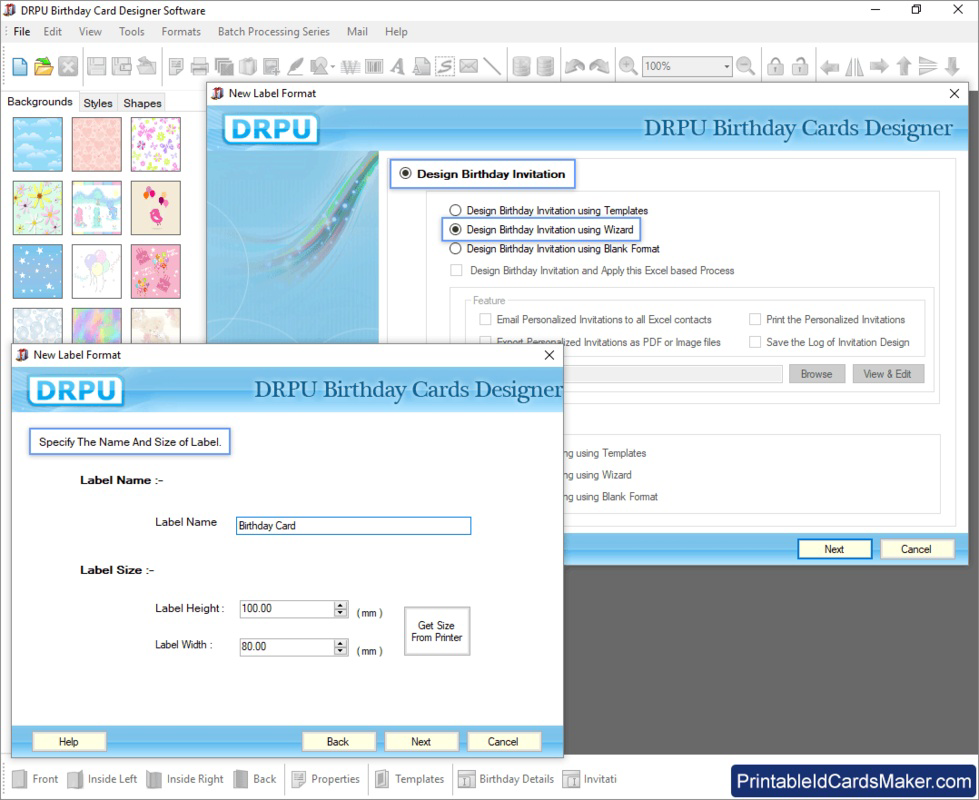
- Simple Card Creation Interface: The app allows users to generate birthday cards with just a few taps, emphasizing speed and ease. This feature is ideal for users who want to create a card without navigating complex design tools.
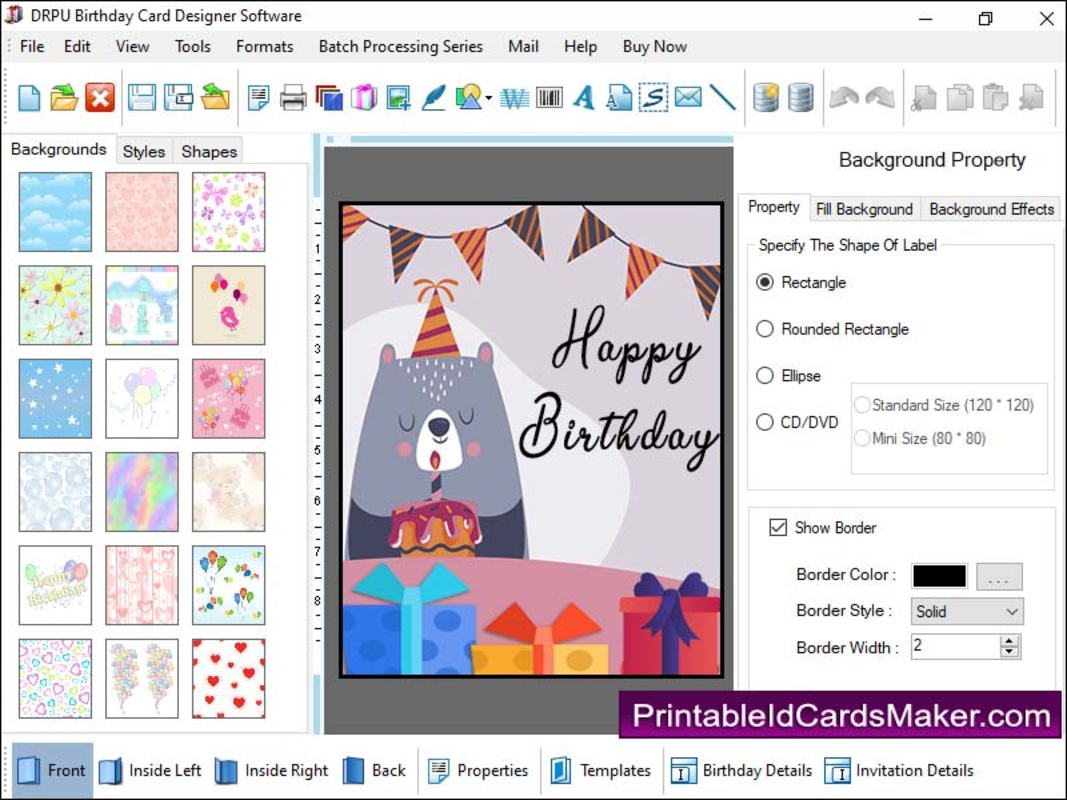
- Customizable Design Elements: Users can incorporate lines, arcs, stars, and other decorative shapes to personalize their cards, enabling creative expression tailored to the recipient’s style or theme.
- Print-Ready Output: The app supports high-quality print functionality, allowing users to generate multiple cards at once for physical distribution, which is particularly useful for events requiring bulk invitations.
- Theme-Based Templates: Although not explicitly detailed, the app appears to offer a range of thematic options to help users match their card’s aesthetic to the occasion, whether playful, elegant, or minimalist.
- Efficient Workflow: Designed for productivity, the app enables users to create, edit, and export cards quickly, reducing the time and effort typically involved in manual card design.
For example, a user preparing for a child’s birthday party can select a themed template, add the child’s name and date, insert playful graphics, and export the card for printing—all within minutes. Similarly, someone sending a digital message to a distant friend can customize a card with a heartfelt message and share it directly via messaging apps.
Interface, UX & Performance
The user interface of Birthday Cards Maker is designed with simplicity in mind, featuring a clean layout that minimizes clutter and prioritizes accessibility. Navigation is intuitive, with clearly labeled sections and logical flow from creation to export. The visual style leans toward minimalism, allowing design elements to stand out without overwhelming the user. This approach enhances usability, particularly for beginners or those unfamiliar with graphic design tools.
Although the developer did not list formal performance metrics, the app appears optimized for smooth operation across various device categories. Users can expect responsive interactions during design adjustments, such as resizing or repositioning elements. Stability is maintained through consistent behavior during common tasks like saving drafts or exporting files. The app maintains performance even when multiple design layers are used, though specific technical benchmarks were not provided. Overall, the experience is designed to be seamless and frustration-free, aligning with the app’s goal of being a stress-free creative tool.
Platform Compatibility & Technical Requirements
Birthday Cards Maker is available on Android and iOS platforms, making it accessible to a wide range of smartphone users. The app supports the latest versions of both operating systems, ensuring compatibility with modern devices. The file size is approximately 35 MB, which is relatively lightweight for a creative application, allowing for quick downloads and minimal storage usage. Specific requirements such as minimum RAM or processor specifications were not listed by the developer.
Compatibility information was not fully disclosed, so users are advised to ensure their device meets general system standards for running similar apps. Installation is straightforward, with no reported issues during setup. The app is designed to function efficiently on both high-end and mid-tier smartphones, though performance may vary based on individual device capabilities. Users should verify their device’s operating system version before downloading to avoid potential compatibility problems.
Pros and Cons
Pros
- Intuitive interface suitable for users of all skill levels
- Fast and efficient card creation process
- Supports print-ready output for physical distribution
- Lightweight file size for easy installation
- Offers customizable design elements for personalization
Cons
- Developer did not provide detailed technical specifications
- Specific OS version requirements were not listed
- No information on cloud sync or cross-device access
- Limited details on template variety or customization depth
- No mention of in-app purchases or subscription models
FAQ
Is Birthday Cards Maker free to download?
The app is available for download, but pricing details were not fully disclosed. Users should check the app store listing for current pricing and availability.
Can I print cards directly from the app?
Yes, the app includes print-ready functionality, allowing users to generate cards suitable for physical printing. This feature is ideal for events requiring multiple invitations or greeting cards.
Is the app compatible with my smartphone?
Birthday Cards Maker is designed for Android and iOS devices. While specific compatibility details were not provided, it is intended to run on standard smartphones with current operating systems.
Does the app require an internet connection?
Basic card creation and editing can be performed offline. However, certain features such as template downloads or sharing may require an internet connection.
How often is the app updated?
The developer did not specify update frequency. Users are encouraged to check their app store for the latest version and security patches.
Final Thoughts
Birthday Cards Maker stands out as a practical, user-friendly tool for anyone seeking to create personalized birthday cards with ease. Its streamlined interface, combined with essential design features and print-ready output, makes it a valuable utility for both casual users and event organizers. The app’s lightweight nature ensures quick installation and smooth performance across various devices, enhancing accessibility. While some technical details remain undisclosed, the overall experience is focused on simplicity and creativity.
Individuals who value thoughtful gestures but lack design experience will benefit most from this app. Whether sending a digital message or preparing printed invitations, Birthday Cards Maker delivers a strong value proposition by balancing functionality with ease of use. For those looking to add a personal touch to birthday celebrations without the hassle, this app is a reliable choice.
Download Birthday Cards Maker now
Guides & Tutorials for Birthday Cards Maker
How to install Birthday Cards Maker
- Click the Preview / Download button above.
- Once redirected, accept the terms and click Install.
- Wait for the Birthday Cards Maker download to finish on your device.
How to use Birthday Cards Maker
This software is primarily used for its core features described above. Open the app after installation to explore its capabilities.
User Reviews for Birthday Cards Maker 0
No reviews found


